
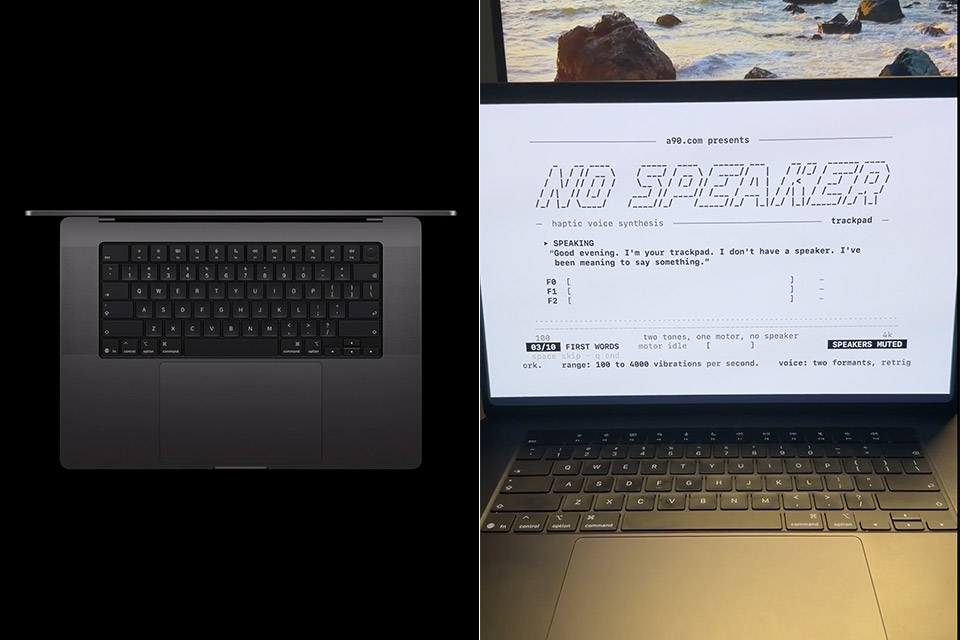
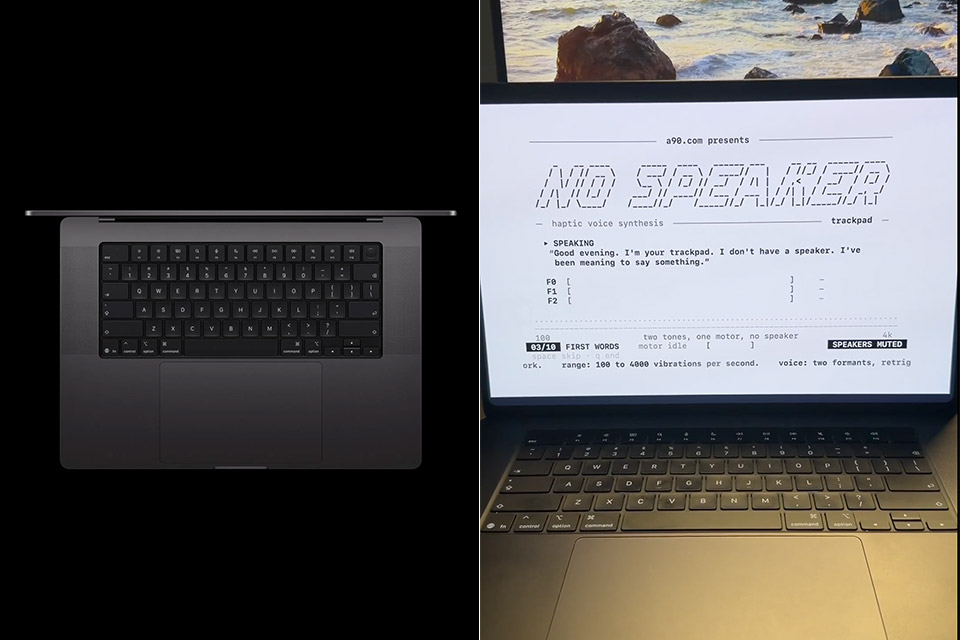
A MacBook trackpad contains no speaker of any kind. Instead, a small motor sits beneath the glass and delivers a quick tap so the surface feels as if it has clicked. Developer Cody Collier, working as os6, built a free tool called No Speaker that drives that same motor up to four thousand times each second. At those speeds the glass itself vibrates fast enough for the air around it to carry sound, and the laptop speakers stay completely silent.
i made my macbook trackpad talk using only the vibrations from its haptic motor
my speakers are muted, every sound you hear is coming from the trackpad itself
open source, try it here: https://t.co/MPEKltkFxO https://t.co/5rTtqdErDP
— cody (@codycollier) November 22, 2026
Mute the machine, position it on a sturdy surface, and run one command. Within roughly ninety seconds the trackpad begins to speak, sing, rap, and play short melodies and beats. On-screen text appears as the words arrive, allowing you to follow along even if the voice seems a little cold. Slide your finger across the glass, and you can modify the pitch of a sustained tone, transforming the trackpad into a touch-controlled instrument.
Sale

Apple 2026 MacBook Pro Laptop with M6 chip; Space Black | 12-core CPU & 12-core GPU. A powerful platform…
- ONE BIG, POWERFUL FAMILY—Blaze through pro workflows with M6, M5 Pro, and M5 Max. A powerful Neural Accelerator is built into each GPU core, so you…
- YOUR PERSONAL THINK TANK—Apple silicon is designed to run demanding on-device AI workloads like processing LLM prompts and using custom agents, with…
- UP TO 24 HOURS OF BATTERY LIFE—Work, create, and play all day with up to four more hours of battery life than MacBook Pro with M1.* And get the same…
No Speaker starts up with the standard macOS text-to-speech voice. Every 10 milliseconds, the software checks in on the two strongest “formants,” the pitch and volume of the speech. Those two formants are converted into two steady tones that are transmitted to the motor. Restarting the tones on each pitch cycle produces the characteristic rough quality of speech, and it also works well with harsh consonants, which appear as brief bursts of higher frequencies. Collier discovered that transmitting two tones instead of one or three produces a crisper, louder outcome because the motor can focus all of its power on fewer impulses.
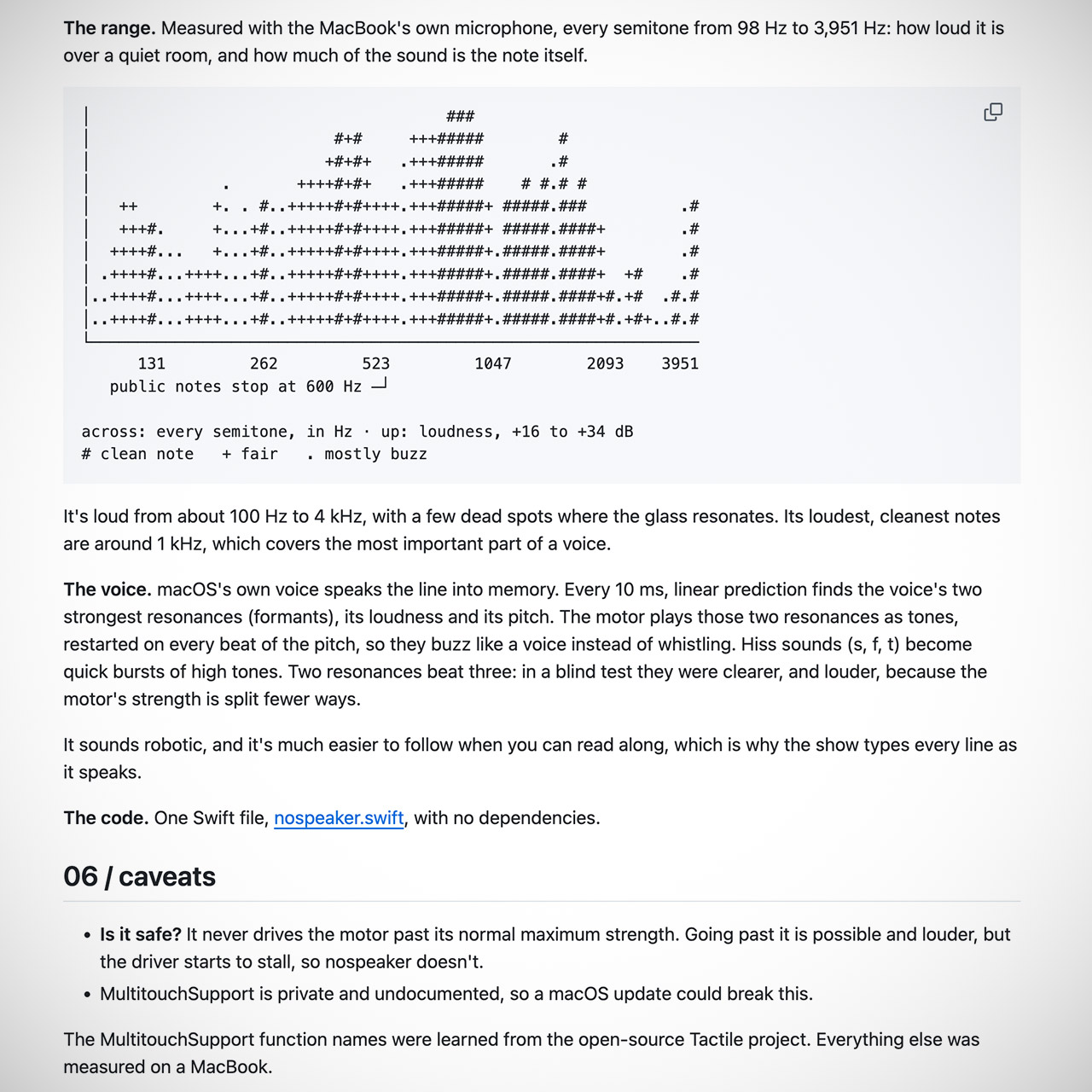
The frequency response was tested with the laptop’s built-in microphone and ranged from about 100 Hz to slightly under 4000 Hz. There is a dead area or two where the tone becomes harsh, but the majority of the range utilized for normal speech is still fully functional. The result is much quieter than a standard laptop speaker and performs far better on a hard surface than on your lap, but with the sound and text on screen, it’s not difficult to understand what’s being said.
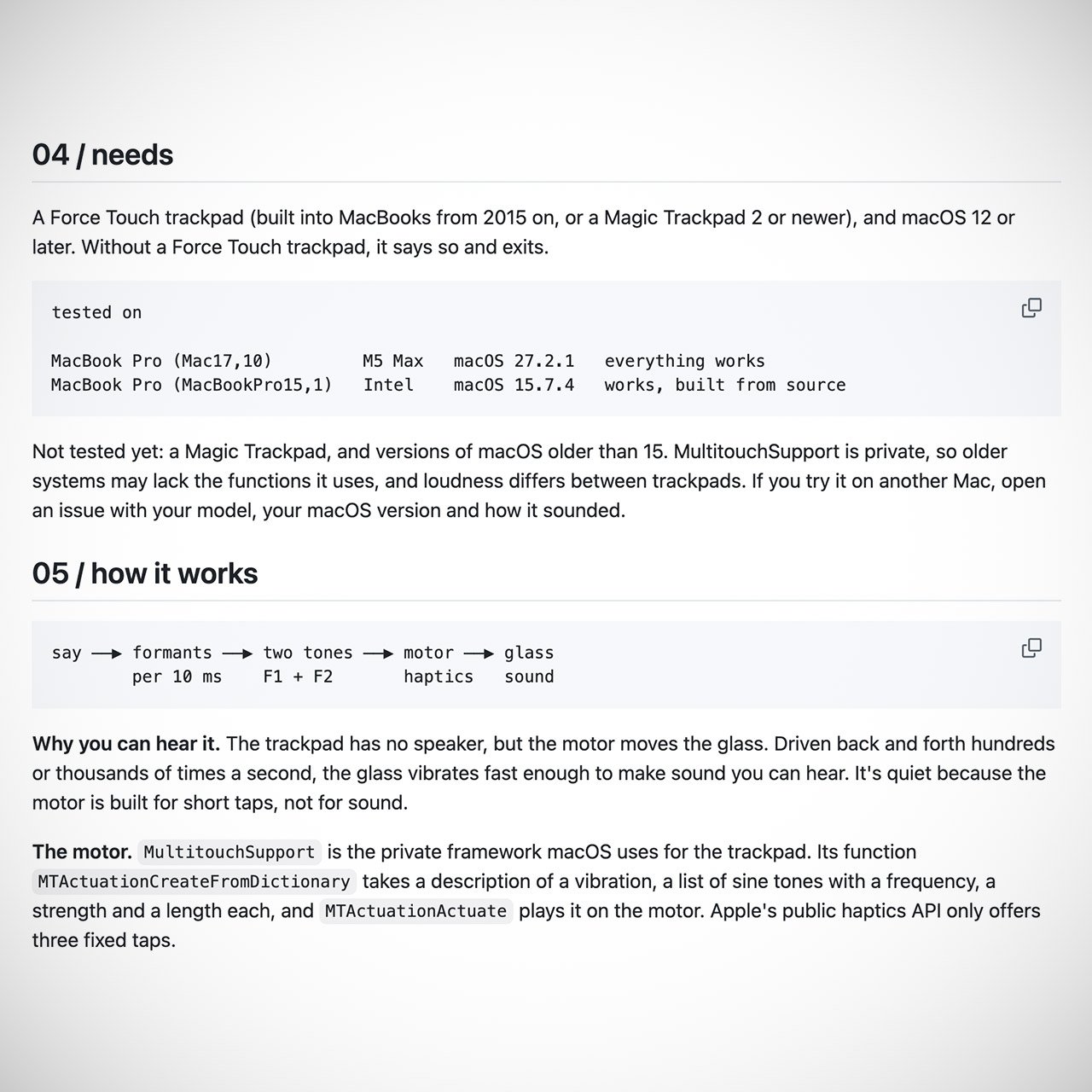
Apple’s public haptic interface only allows for three predefined tap strengths, thus No Speaker delves further and uses the proprietary MultitouchSupport foundation to determine the exact frequency, strength, and duration of the tap. The MultitouchSupport team made this possible through the Tactile project. It’s a compact one-file program with no dependencies, and it includes a failsafe that prevents the motor from overextending itself, which can cause a variety of issues.
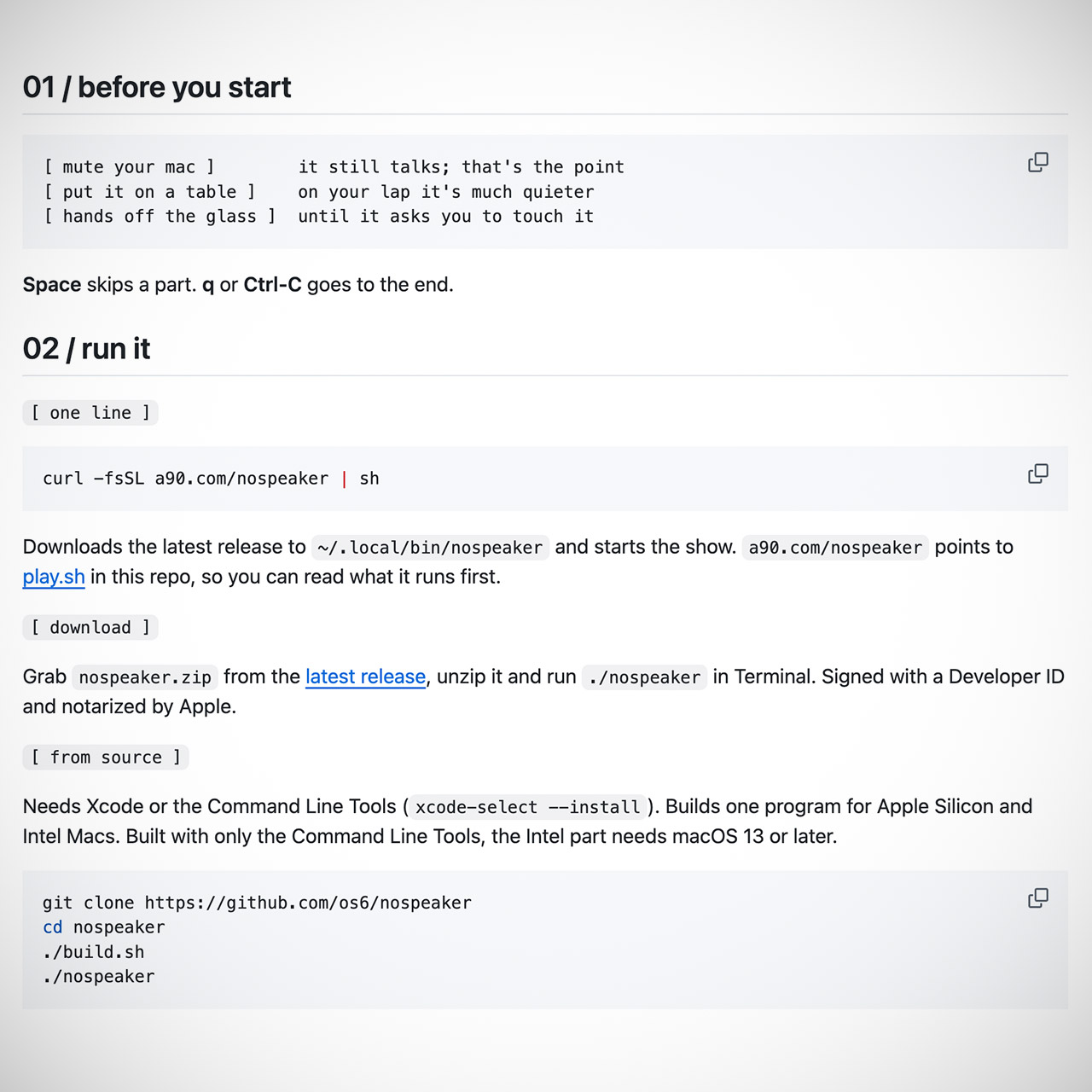
This program will work on any Mac with a Force Touch trackpad from 2015 onward, or a Magic Trackpad 2 and later, running macOS 12 or newer on Apple silicon, or macOS 13 or newer on an Intel computer. You simply launch a terminal command, download a signed and notarized binary, and you’re ready to begin. Just bear in mind that because this is entirely built on an undocumented infrastructure, any system updates could break everything. Collier tested it on an M5 Max MacBook Pro and hopes to hear back from other testers on their models to get a sense of how loudness and clarity differ from one trackpad to the next.
The entire project is available under the MIT license, allowing users to play with it as they see fit. You may feed it whatever sentence you want, try out another of the installed macOS voices, perform a tone sweep from low to high, or simply let it run its preset minute and a half sequence of blather, song, and rap. In each case, every vibration you perceive comes from a motor that was initially designed to simulate a click.
Open Source ‘No Speaker’ App Turns MacBook Trackpads Into Talking Surfaces Using Only Haptic Motors
#Open #Source #Speaker #App #Turns #MacBook #Trackpads #Talking #Surfaces #Haptic #Motors
